Shot breakdown · Look 01
Fashion — Brooklyn Editorial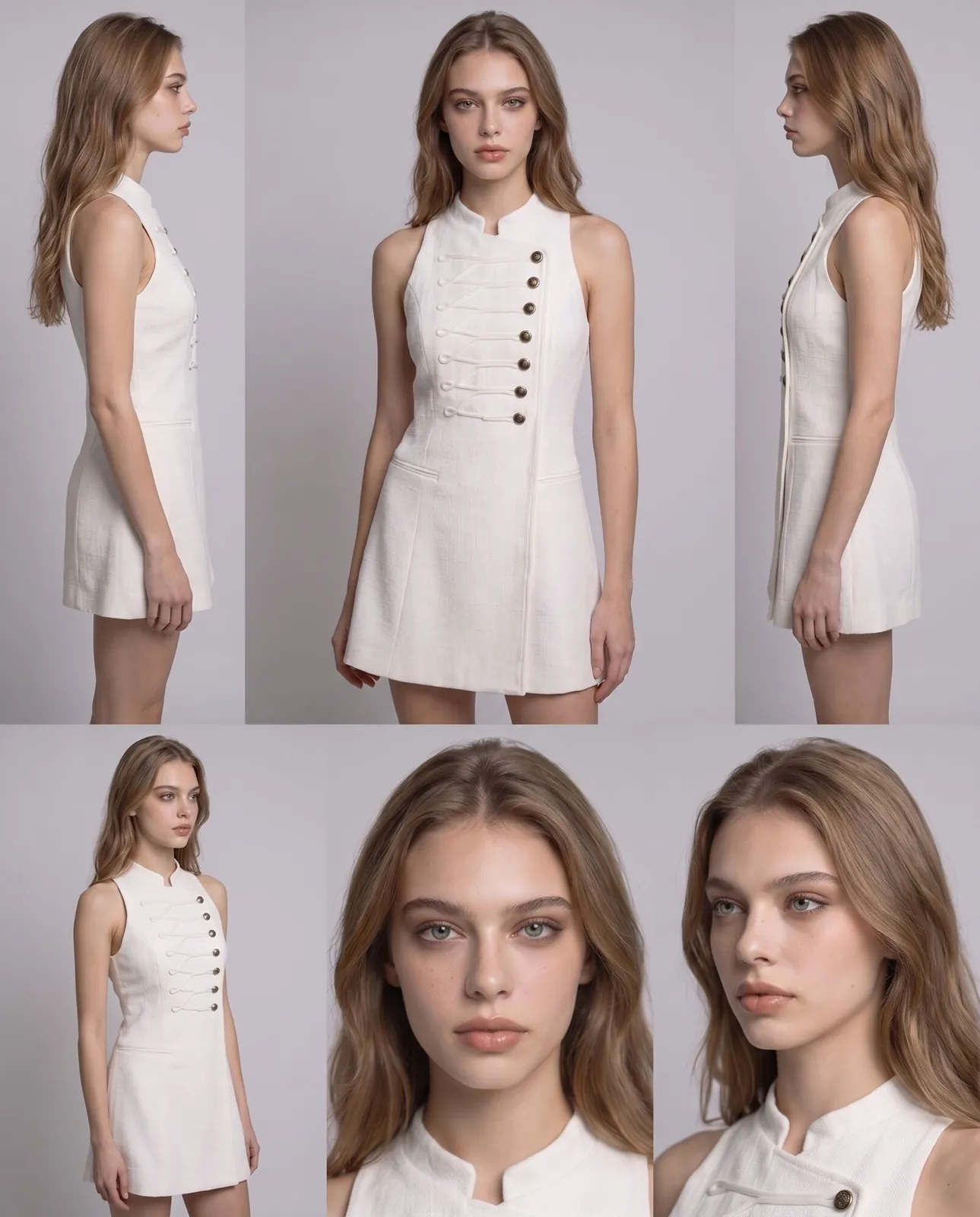
Step 01
Reference

Step 02
Generation
Step 03
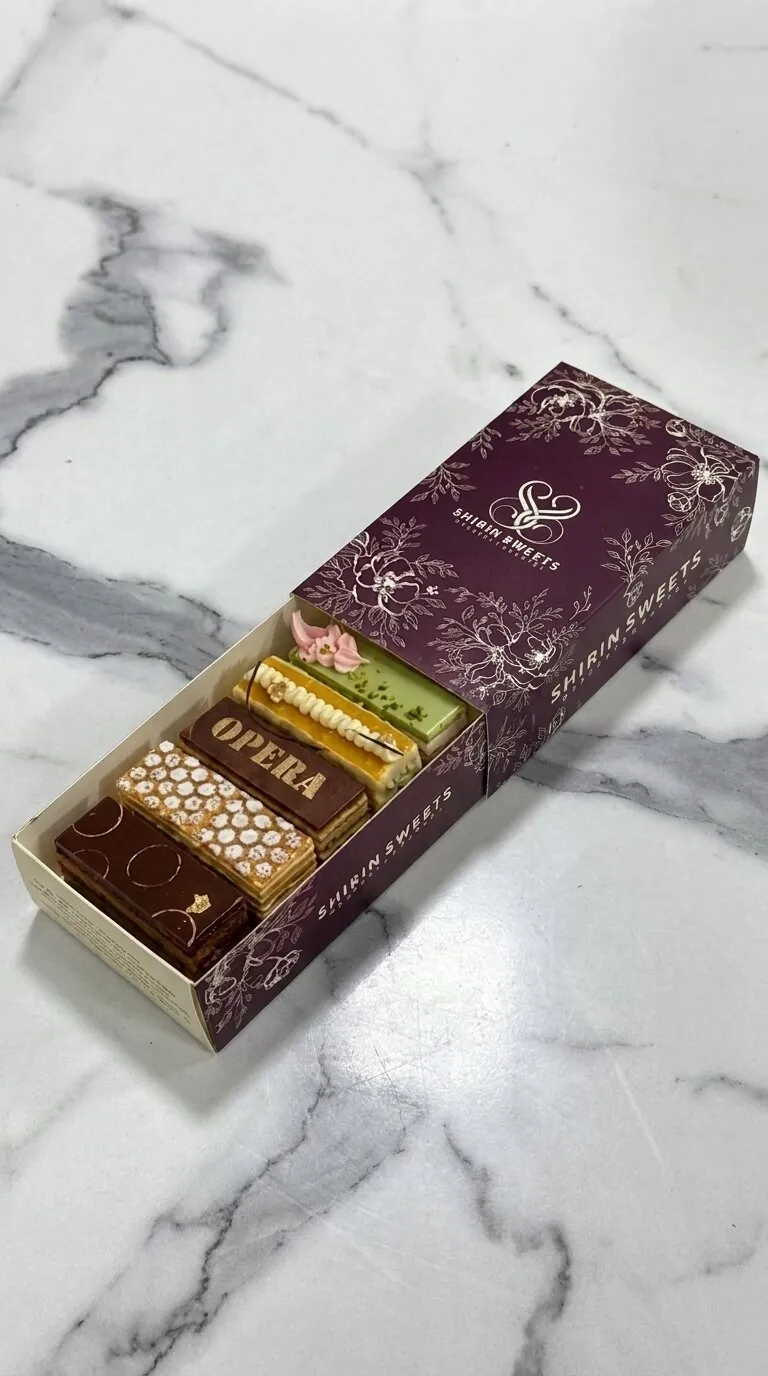
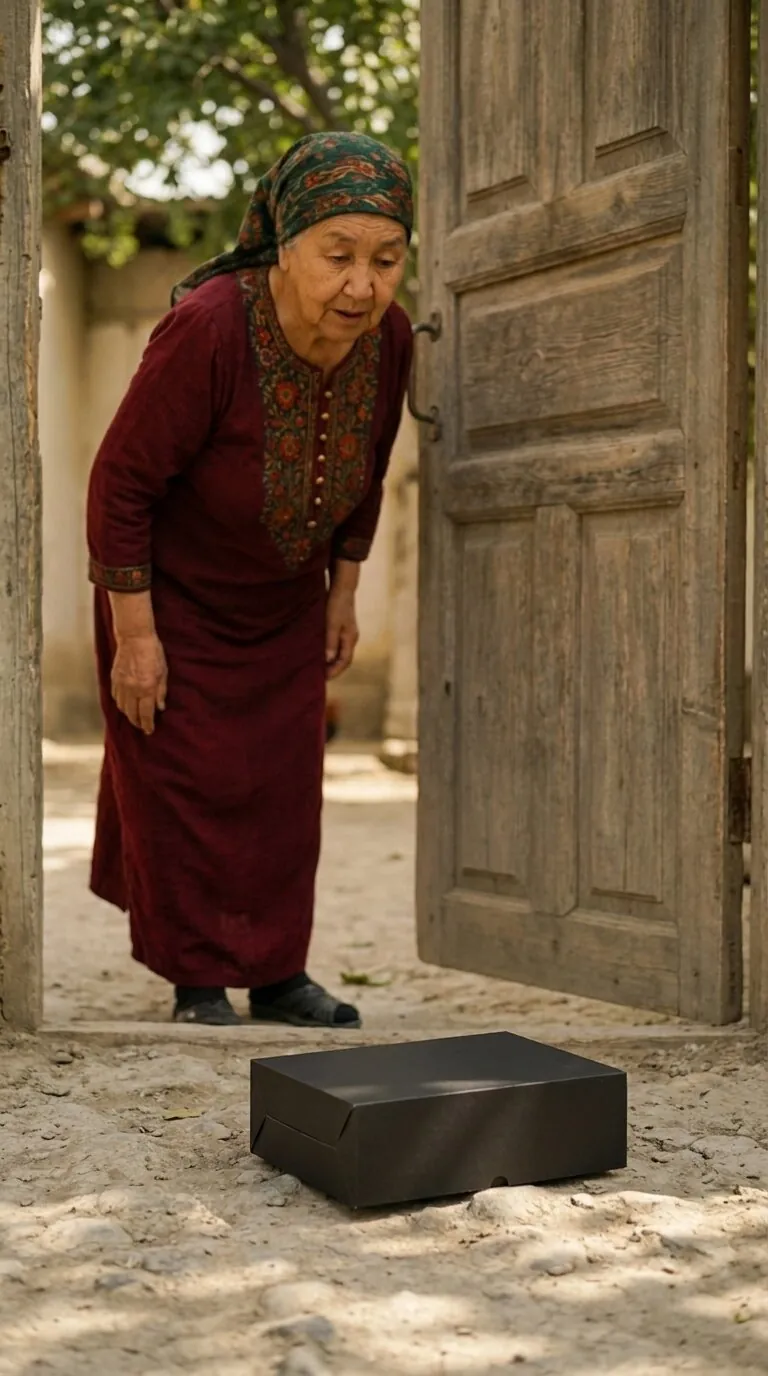
Every shot in the portfolio has a path behind it: the reference locks the product, character or mood, generation turns it into a finished scene, and animation brings it to life. Below are three breakdowns from different projects.
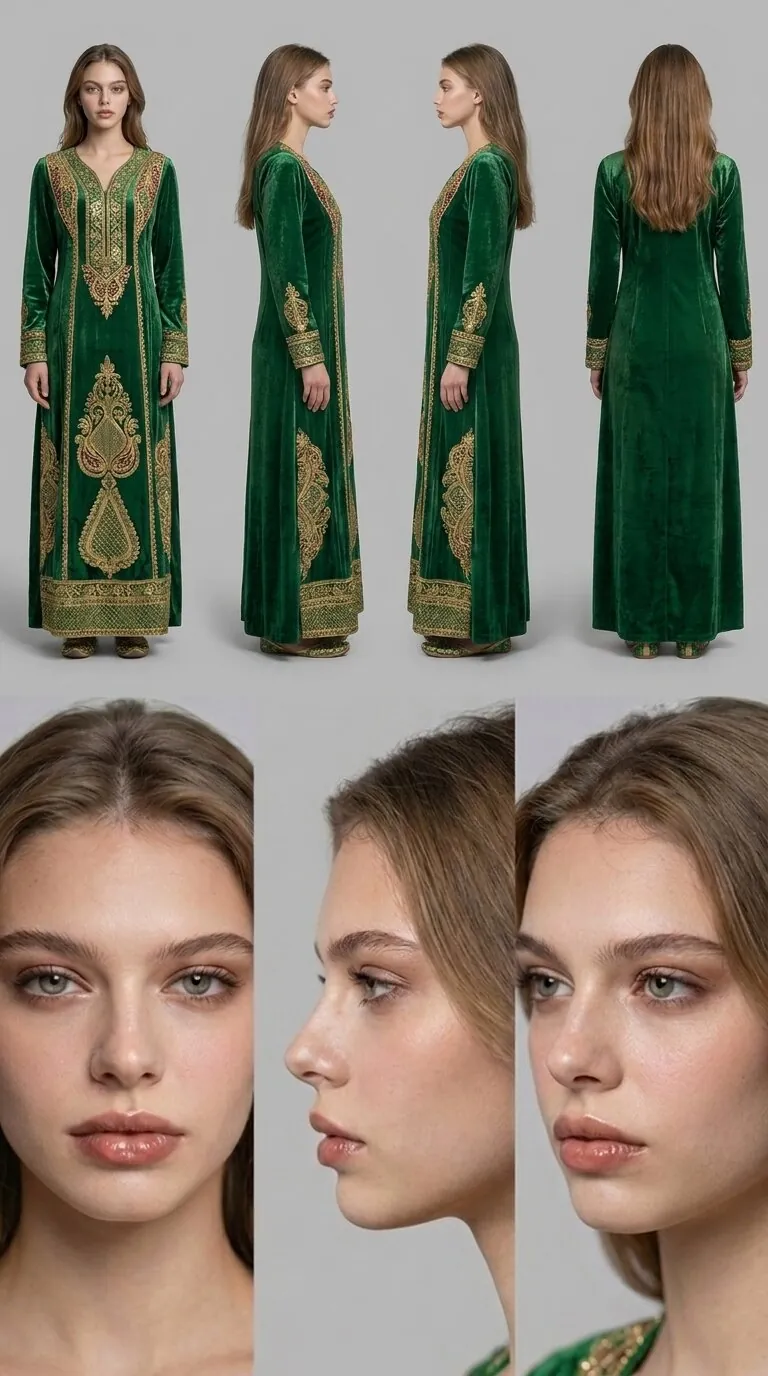

A model consistency sheet — several angles and framings of one face and pose. It locks the look so it stays identical in every shot of the series.
Nano Banana Pro and GPT Image 2.5 turn the reference into a finished photo: model, location, light and textures come together in one scene.
Kling 3.0 and Seedance 2.5 add motion — wind, steps, a turn of the head — turning a still into a living scene for Reels and ads.